OOMWOO PCBs: what, how and why
A module-by-module tour of the main board: compute, real-time control, power and the fail-safe design.
Read the write-up →
Raspberry Pi, ROS2 and 2D LiDAR. It maps your home and cleans on its own — fully local, no cloud, no lock-in. The firmware is open, so you can audit it and nothing leaves your home. 3D-printable and hackable.
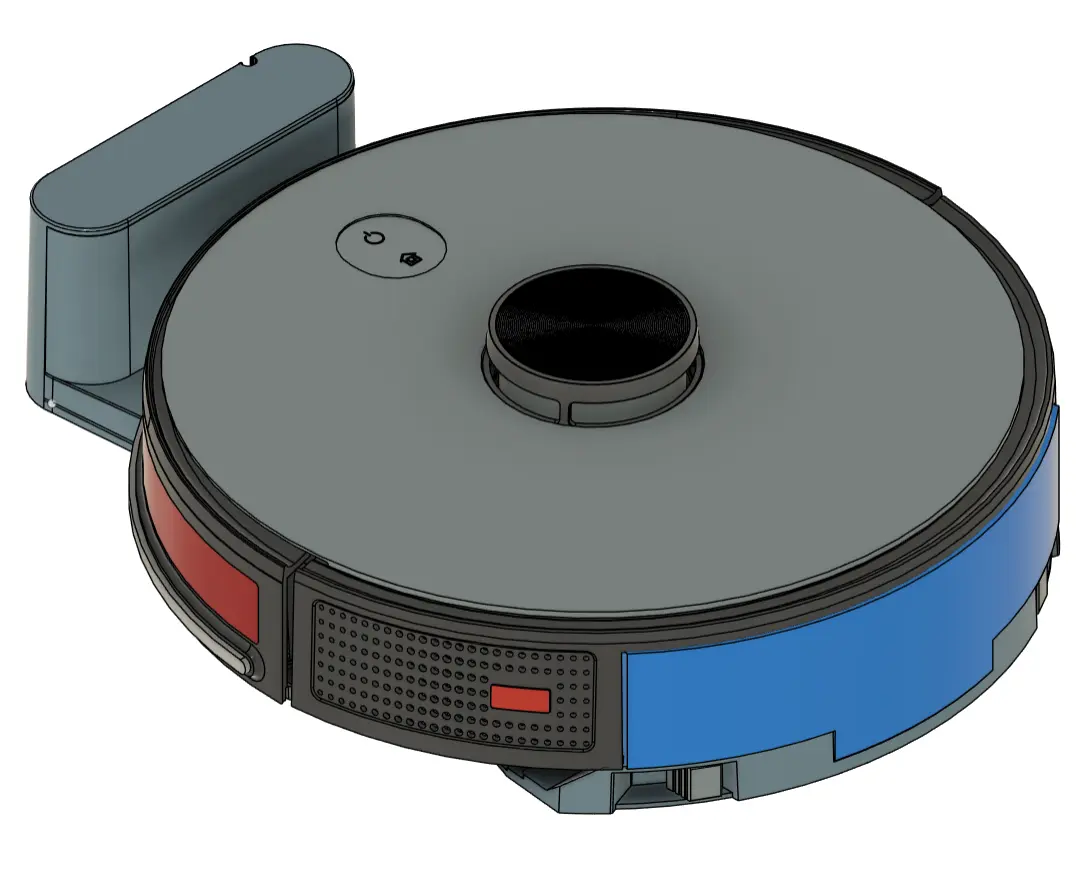 Reference design — roughly how it'll look
Short, unpolished clips straight from the simulator and the workbench.
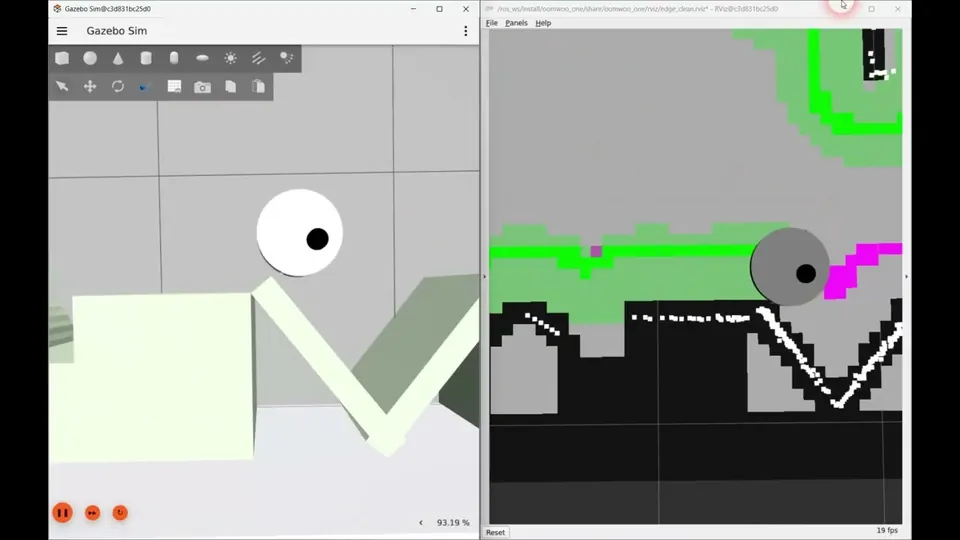
Sweeps along every wall and obstacle once, and keeps track of what is already clean.
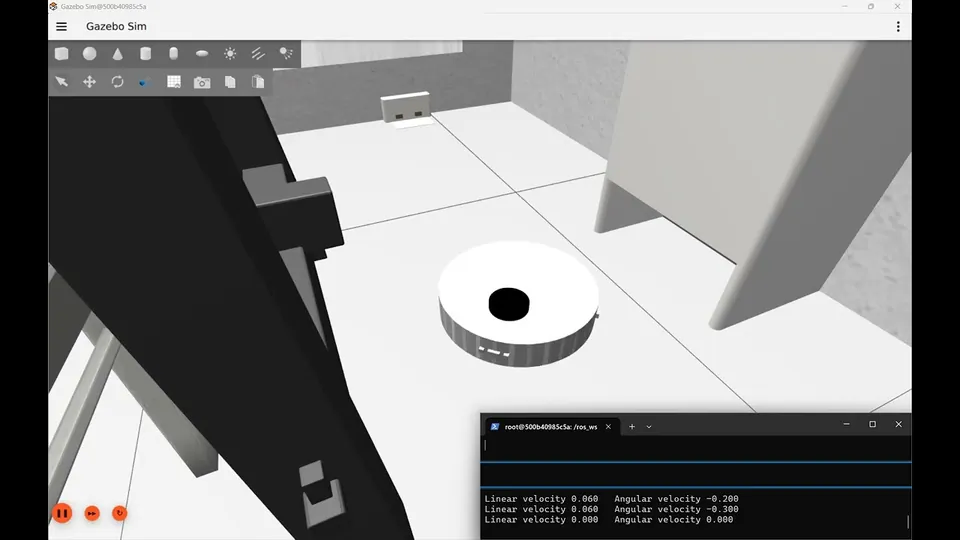
Finds the dock by its beacon, then lines up on it with the LiDAR.
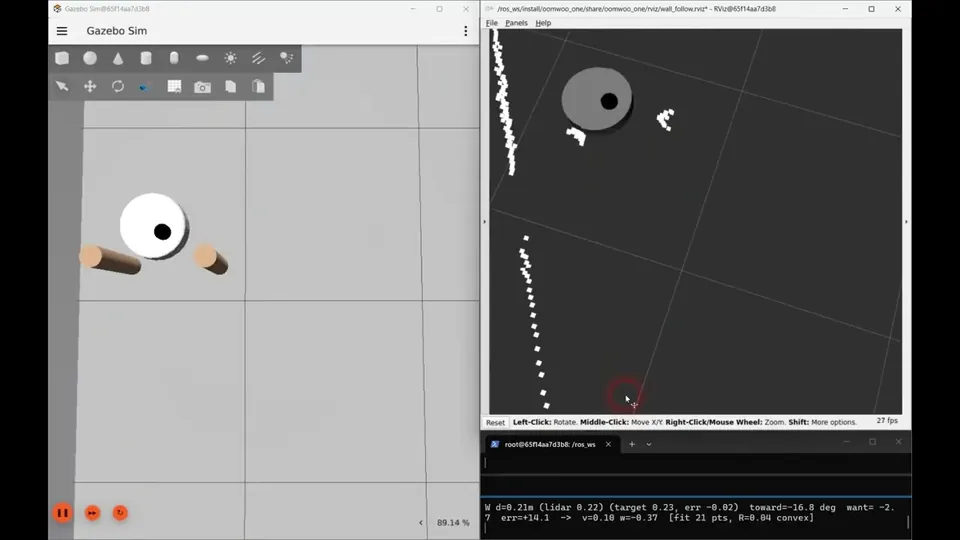
A full lap of a course built to break wall following. LiDAR only - no map.
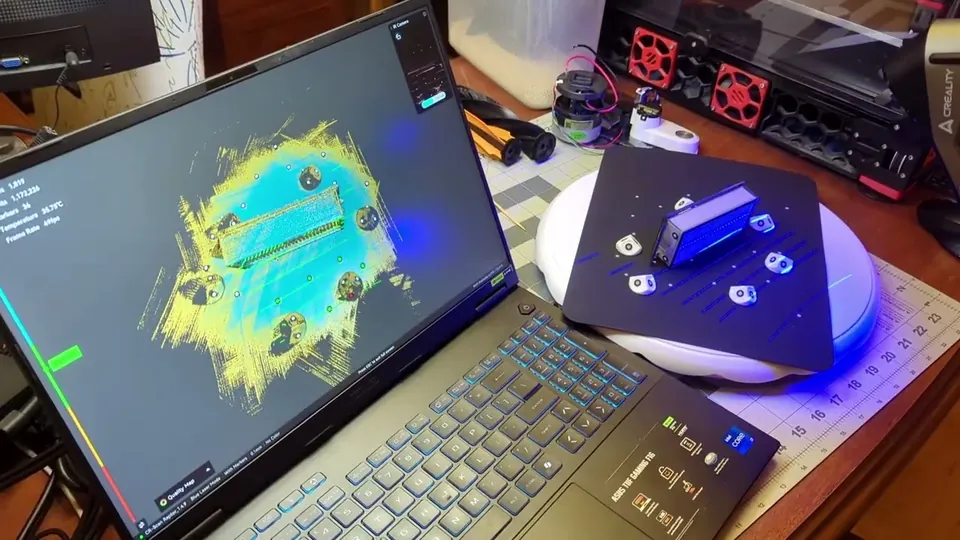
Every part we buy is 3D scanned, so the chassis can be designed around it.
Built in the open, so here is the honest state of it.
Drive it in Gazebo today - SLAM, navigation, teleop. No hardware needed.
Schematic in review, parts placed. The board outline waits on the mechanical design.
Cleans along every wall and obstacle edge, and docks - in simulation. Whole-floor coverage is next.
Restarted around GT2 belts and metal-gearbox motors, for a simpler print. Parts digitized, chassis in progress.
Serial protocol between compute and motor board merged and tested.
Updated 28 Sep 2026 · task-by-task detail on the RFC board →
Long-form write-ups of what we're building, how, and why - including what didn't work.
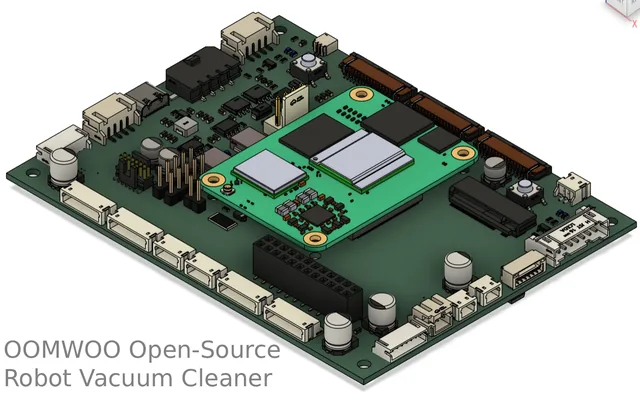
A module-by-module tour of the main board: compute, real-time control, power and the fail-safe design.
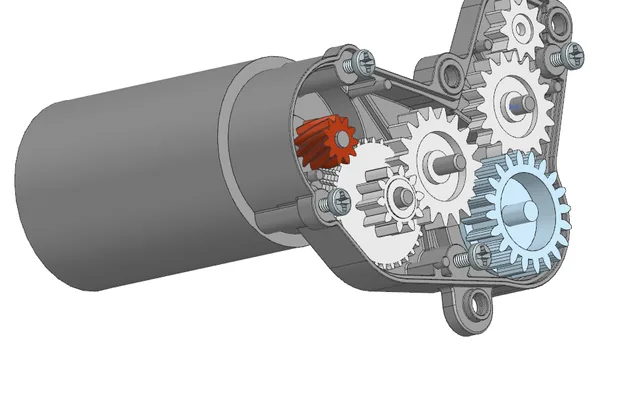
Sourcing, 3D scanning and CAD - and why the Roborock-style mops were dropped.
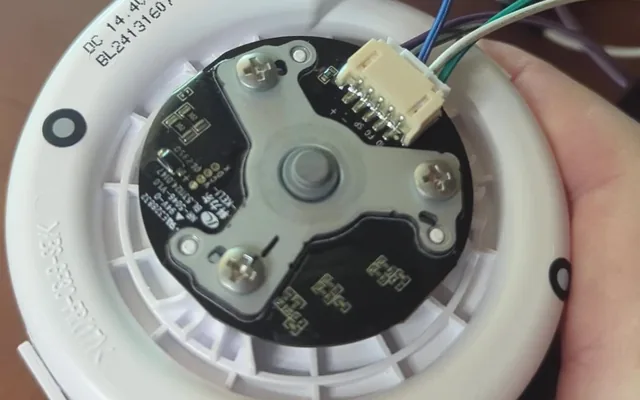
Motors, fans and brushes powered up one by one: pinouts, connectors and measured currents.
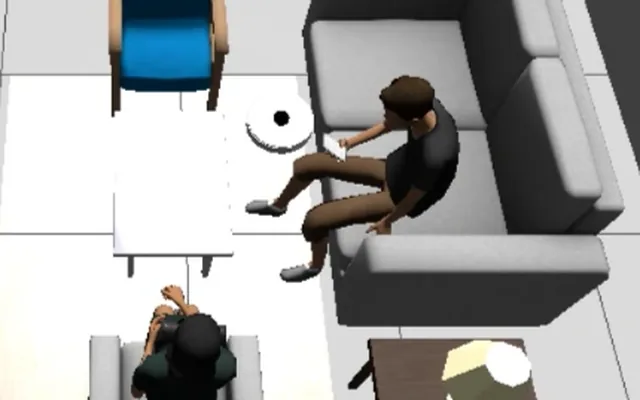
Wall following, edge cleaning, docking and localization - the problems we hit and how we solved them.
Print chassis, install software — or just follow along while it comes together.
Goals, architecture, design research and the whole open build in one place.
The dev environment is ready — install it and drive oomwoo-one in Gazebo (SLAM, Nav2, teleop), no hardware needed.
No hardware to wait for — connect an off-the-shelf Proscenic M6 Pro to ROS2 as a placeholder robot and run the same stack on real hardware.
Follow tutorial →Not a sealed appliance — an open platform you assemble, understand, and modify.
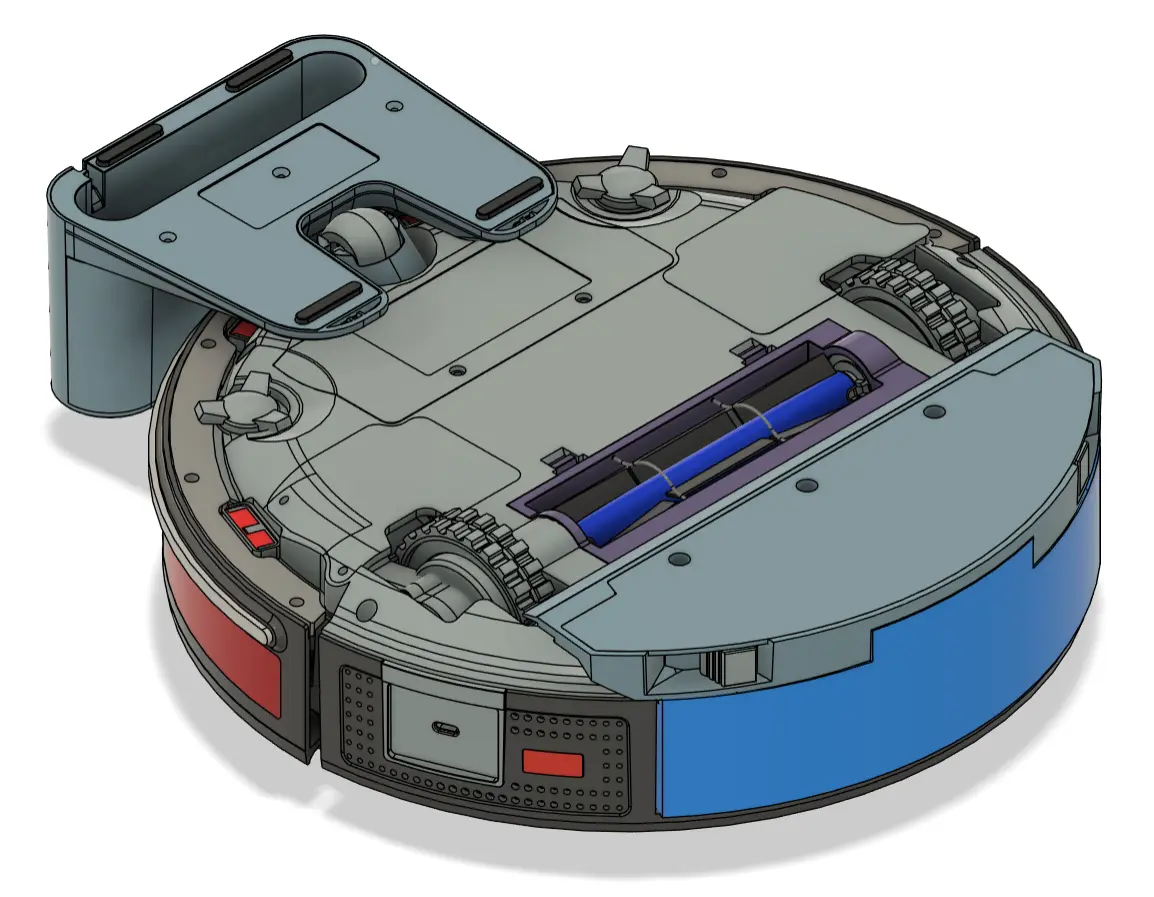
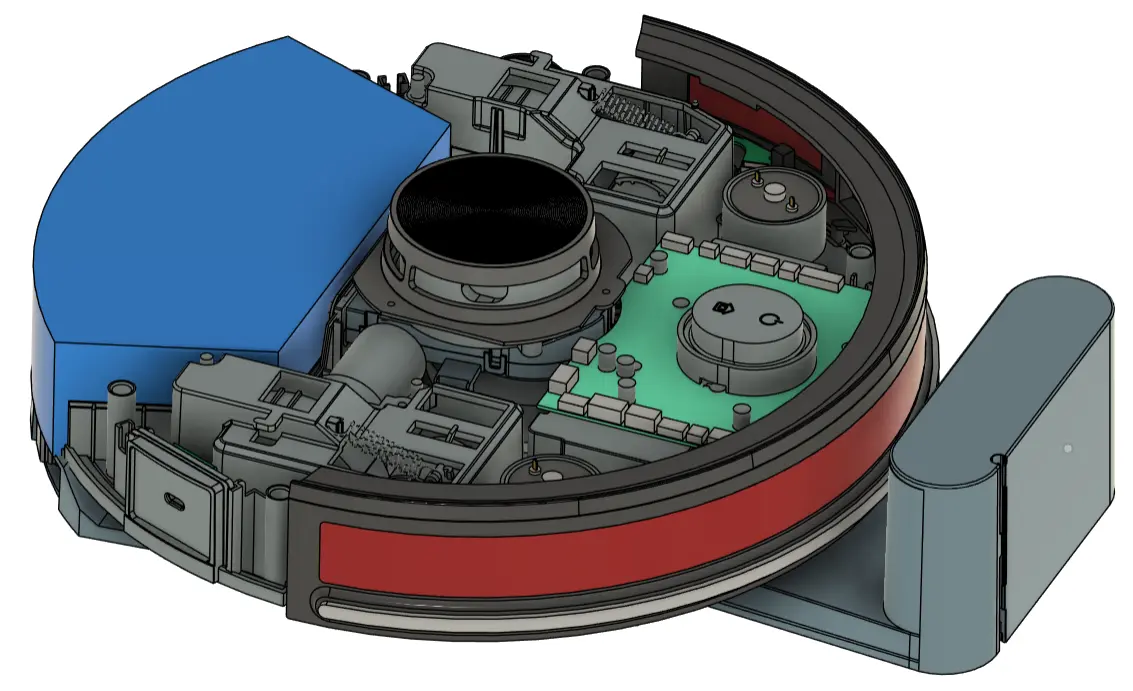
The robot is split into independent modules (RFCs). Pick one, work when you want, open a PR.
Grab a module — sim, mapping, navigation, docking, floor care and more.
How the parallel, module-based workflow works and how to submit your PR.
Ask questions, claim a module, and build in public with the rest of us.